



Mobile Learning Efficiency Calculator
Configure Your Schedule
Enter the minutes you spend on these daily activities that could be converted to study time.
Your Learning Potential
Based on your available dead time
0 Hours
Per Week0 Hours
Per Year (52 Weeks)Start calculating to see results...
You’ve probably found yourself staring at a commute, waiting in line, or lying in bed with that nagging thought: "I should be studying right now." But your laptop is tucked away in the other room. The good news is that you don’t need a desktop computer to learn new skills anymore. With modern smartphones becoming more powerful than many laptops from five years ago, doing eLearning on my phone isn't just possible-it’s often the most efficient way to fit education into a busy life.
The shift toward mobile-first learning has been rapid. According to recent industry reports, over 60% of all online course interactions now happen on mobile devices. This isn't just about watching videos; it's about interactive quizzes, coding practice, language drills, and even virtual labs. If you're wondering whether your phone can handle serious study sessions, the answer is a definitive yes. However, there are specific strategies and tools you need to use to make it effective rather than frustrating.
Why Mobile Learning Is No Longer a Compromise
In the past, trying to read dense textbooks or watch hour-long lectures on a small screen was a poor experience. Today, learning management systems (LMS) and educational platforms are designed with a "mobile-first" approach. This means the interface, content delivery, and assessment methods are optimized for touchscreens and smaller viewports before they are adapted for desktops.
The primary advantage is accessibility. You can turn dead time-like a 30-minute train ride or a break between meetings-into productive learning time. Micro-learning, which breaks complex topics into bite-sized chunks of 5-10 minutes, thrives on mobile devices. It aligns perfectly with how we consume information today. Instead of needing two hours of uninterrupted focus, you can master a concept in three short bursts throughout the day.
Furthermore, smartphones have sensors that desktops lack. Gyroscopes, accelerometers, and high-quality cameras enable augmented reality (AR) lessons, voice recognition for language practice, and image-based identification tasks. For example, medical students can use AR apps to visualize anatomy, while language learners can use speech-to-text features to perfect their pronunciation instantly.
Choosing the Right Platform for Your Device
Not all eLearning platforms treat mobile users equally. Some offer full-featured native apps, while others provide clunky mobile websites. To get the best experience, you need to know what to look for when selecting a course or platform.
First, check if the platform has a dedicated app for iOS or Android. Native apps generally perform better because they can cache data, send push notifications for deadlines, and access device hardware more efficiently. Platforms like Coursera, Udemy, Duolingo, and Khan Academy have robust apps that function almost identically to their web versions.
Second, look for offline capabilities. This is crucial for mobile learners who may not always have reliable Wi-Fi or unlimited data plans. A good platform allows you to download video lectures, PDF readings, and quiz questions for later use. Without this feature, you’ll find yourself buffering during important lessons or unable to take assessments in areas with poor signal.
Third, consider the input method. If your course requires extensive typing-such as essay writing or coding-you might struggle on a virtual keyboard. In these cases, look for platforms that support external Bluetooth keyboards or offer text-to-speech alternatives. For courses focused on multiple-choice questions, drag-and-drop activities, or video consumption, a touchscreen is perfectly adequate.
| Platform | Native App? | Offline Mode? | Best For |
|---|---|---|---|
| Coursera | Yes | Yes (Videos & Quizzes) | University-level courses, certificates |
| Duolingo | Yes | Limited (Requires periodic sync) | Language acquisition, gamified learning |
| Udemy | Yes | Yes (Unlimited downloads) | Professional skills, hobbyist topics |
| Khan Academy | Yes | Yes (Full content library) | K-12 education, foundational STEM |
| LinkedIn Learning | Yes | Yes (With subscription) | Business skills, soft skills, tech tutorials |
Optimizing Your Smartphone for Study Sessions
Having the right app is only half the battle. How you configure your phone determines whether you’ll stay focused or get distracted by social media notifications. Here are practical steps to transform your device into a dedicated learning tool.
- Enable Focus Modes: Both iOS and Android have built-in focus modes that allow you to silence non-essential notifications while keeping alarms and critical messages active. Create a specific "Study" profile that blocks social media apps and games during your scheduled learning times.
- Use Screen Mirroring: If you’re watching a lecture that requires detailed visuals, mirror your phone screen to a larger display via Chromecast, AirPlay, or HDMI adapters. This reduces eye strain and makes diagrams easier to read without changing the content format.
- Leverage Voice Notes: Use your phone’s dictation feature to record quick summaries or answers to discussion prompts. Speaking your thoughts can sometimes be faster and more natural than typing on a small screen.
- Organize Downloads: Create a dedicated folder for downloaded course materials. Regularly clear out completed modules to free up storage space. Running out of space mid-course is a common frustration that can disrupt your momentum.
Additionally, consider using browser extensions or companion apps that integrate with your learning platform. For instance, if you’re taking a course on a platform that doesn’t have a great mobile app, you might use a note-taking app like Notion or Evernote to sync your progress manually. This creates a centralized hub for your learning materials regardless of the source.
Overcoming Common Mobile Learning Challenges
While mobile learning offers flexibility, it comes with unique hurdles. Understanding these challenges helps you prepare solutions in advance.
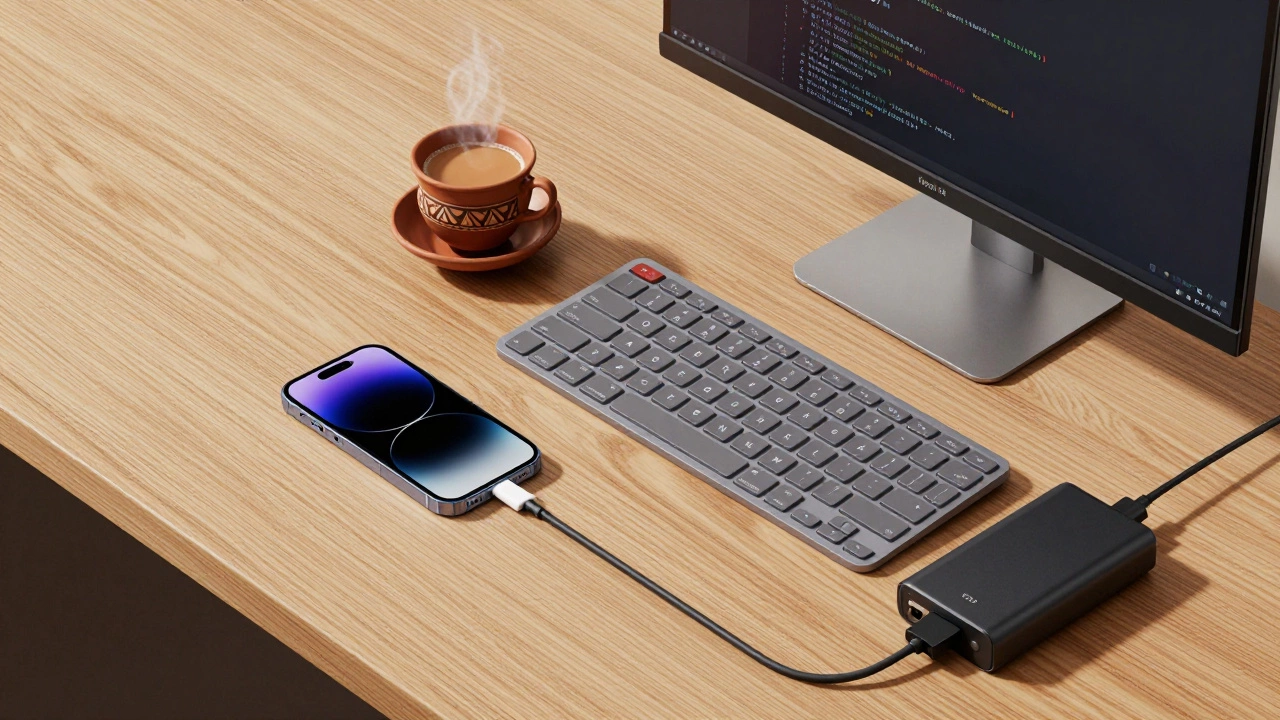
Battery Drain: Streaming video and running interactive apps consume significant power. Always carry a portable charger or keep your phone plugged in during longer study sessions. Enable battery saver mode, but be aware that it might limit background syncing for offline content.
Distractions: Your phone is also your portal to entertainment. The proximity of Instagram, TikTok, or messaging apps can derail your focus. Use website blockers within your learning app or set strict time limits using digital wellbeing tools. Treat your study sessions like appointments: start on time, end on time, and avoid multitasking.
Content Compatibility: Some older courses were designed exclusively for desktop browsers. They may use Flash animations, complex spreadsheets, or plugins that don’t work on mobile. Before enrolling, check the course description for "mobile-friendly" tags or review user comments for mentions of mobile usability issues. If a course lacks mobile support, consider using a cloud desktop service that streams a full Windows or Mac environment to your phone, though this requires a stable internet connection.
For those who travel frequently, connectivity can be a major issue. While exploring new cities, you might rely on local SIM cards or Wi-Fi hotspots. In such scenarios, having a verified directory of local services can be unexpectedly useful for logistical planning. For instance, if you are traveling to Kazakhstan for a conference or business trip, resources like this directory can help navigate local arrangements discreetly, ensuring your personal logistics don't interfere with your professional or educational goals. Always prioritize safety and discretion when using any local services abroad.
The Future of Mobile eLearning
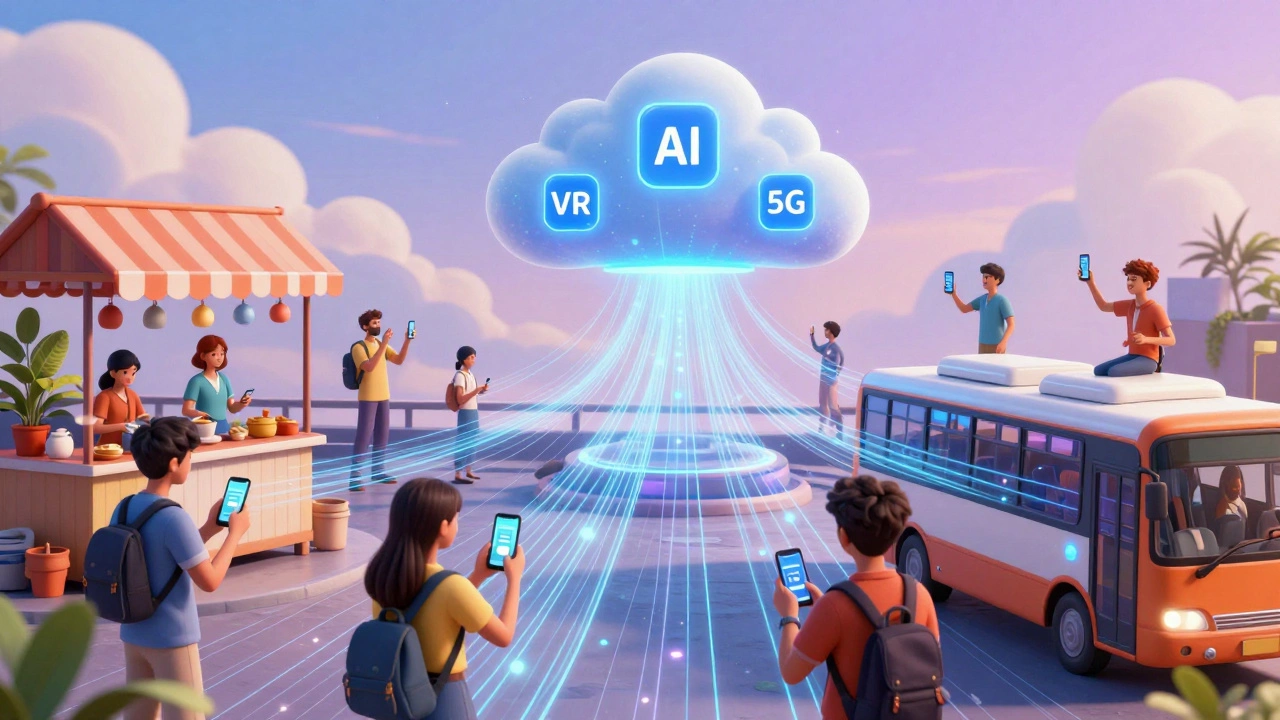
As technology advances, the gap between mobile and desktop learning will continue to close. Emerging trends include AI-driven personalized learning paths that adapt to your pace, real-time translation for global classrooms, and immersive VR experiences accessible through lightweight headsets connected to phones.
5G networks are rolling out globally, offering faster speeds and lower latency. This means live virtual labs, real-time collaboration on documents, and high-definition streaming will become seamless on mobile devices. Educators are increasingly designing courses with these capabilities in mind, creating interactive simulations that run directly in your browser or app.
Moreover, the rise of super-apps in various regions integrates communication, payments, and learning into single platforms. This convergence simplifies the user experience, allowing learners to pay for courses, chat with instructors, and access materials without switching contexts. As these ecosystems mature, mobile learning will become even more integrated into daily life, making education truly ubiquitous.
Practical Tips for Different Learning Types
Your approach to mobile learning should vary depending on the subject matter. Here’s how to optimize for different categories:
- Language Learning: Use audio-heavy apps that allow you to practice listening and speaking while commuting. Leverage flashcard apps with spaced repetition algorithms to memorize vocabulary during short breaks.
- Technical Skills (Coding, Data Analysis): Use cloud-based IDEs (Integrated Development Environments) that run in your browser. These allow you to write and test code on your phone without installing heavy software. Pair your phone with a Bluetooth keyboard for a more authentic coding experience.
- Business and Soft Skills: Focus on video lectures and case studies. Use annotation tools to highlight key points in PDFs or articles. Engage in discussion forums via the app to network with peers.
- Creative Arts: Utilize drawing tablets or music production apps that leverage your phone’s processing power. Many creative courses offer project-based learning where you can create and share work directly from your device.
Remember, the goal is consistency, not perfection. Even 15 minutes of focused mobile learning per day adds up to nearly 90 hours of study annually. By leveraging the right tools and strategies, you can turn your smartphone into a powerful engine for personal and professional growth.
Is it safe to store course materials on my phone?
Yes, provided you use reputable platforms with encryption. Most major eLearning providers use secure servers and encrypt data in transit and at rest. However, avoid downloading sensitive financial or personal information onto shared devices. Use strong passwords and biometric locks on your phone to protect your account and data.
Can I earn accredited degrees entirely on my phone?
While you can complete coursework, exams, and assignments on a phone, some universities require proctored exams or specific software installations that may be difficult on mobile. Check with the institution’s IT support to ensure all degree requirements are mobile-compatible. Many online degrees are fully mobile-friendly, but exceptions exist for technical programs.
What is the best screen size for mobile learning?
A screen size of 6.5 inches or larger is ideal for reading text and viewing detailed graphics. Larger screens reduce eye strain and make typing easier. If you have a smaller phone, consider using an external monitor or tablet for intensive study sessions, especially for coding or design-related courses.
Do mobile apps cost more than web versions?
Generally, no. Most platforms offer the same content across web and mobile apps. Some apps may have premium features or ad-free experiences available via in-app purchases, but core course access is usually identical. Always compare pricing structures before subscribing to avoid duplicate charges.
How do I manage data usage while learning on mobile?
Enable offline mode whenever possible to download content over Wi-Fi. Set data limits in your phone’s settings for specific apps. Avoid streaming high-definition videos on cellular data unless necessary. Most apps allow you to choose video quality; selecting 480p instead of 1080p can significantly reduce data consumption.