




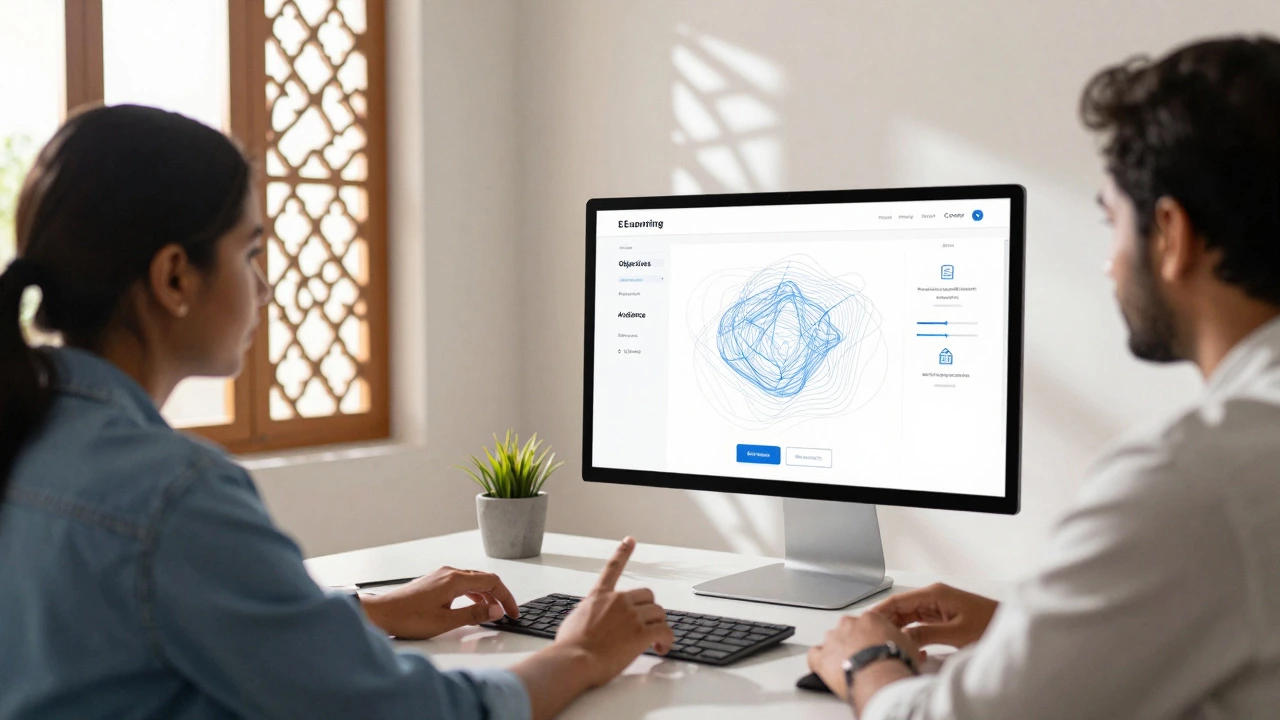
E-Learning Platform Setup Planner
Configure Your Platform
Your Recommended Strategy
Based on your goal and technical comfort.
Top Platform Recommendations
Estimated Monthly Cost Breakdown
Essential Features Checklist
Enter your details and click "Generate Plan" to see recommendations.
Setting up an e-learning system isn't just about uploading a few PDFs and calling it a day. If you've ever tried to teach something over email or messy Google Drive folders, you know the frustration. Students get lost, engagement drops, and you end up answering the same questions on repeat. The good news? You don't need a computer science degree to build a professional e-learning environment. Whether you are a solo coach, a small business trainer, or an educator looking to go hybrid, the barrier to entry has never been lower.
In 2026, the landscape is crowded with tools that handle the heavy lifting-hosting, payments, quizzes, and certificates. Your job is to make smart choices at the start so you don't have to rebuild everything in six months. This guide walks you through the practical steps of setting up a scalable, user-friendly digital classroom from scratch.
Define Your Learning Objectives and Audience
Before you pick a single software tool, you need to answer one question: What problem are you solving? Vague goals like "I want to teach coding" lead to vague results. Instead, get specific. Are you helping beginners write their first Python script? Are you training corporate employees on compliance regulations? Or are you teaching yoga poses to busy parents?
Your audience dictates your technology stack. If your learners are tech-savvy developers, they might appreciate a minimal, code-heavy interface. If you are targeting older adults or K-12 students, you need large buttons, clear instructions, and mobile-first design. Map out three key outcomes for your course. For example: "By the end of this module, the student will be able to configure a basic firewall." When you can measure success, you can build content that actually delivers it.
Choose the Right Learning Management System (LMS)
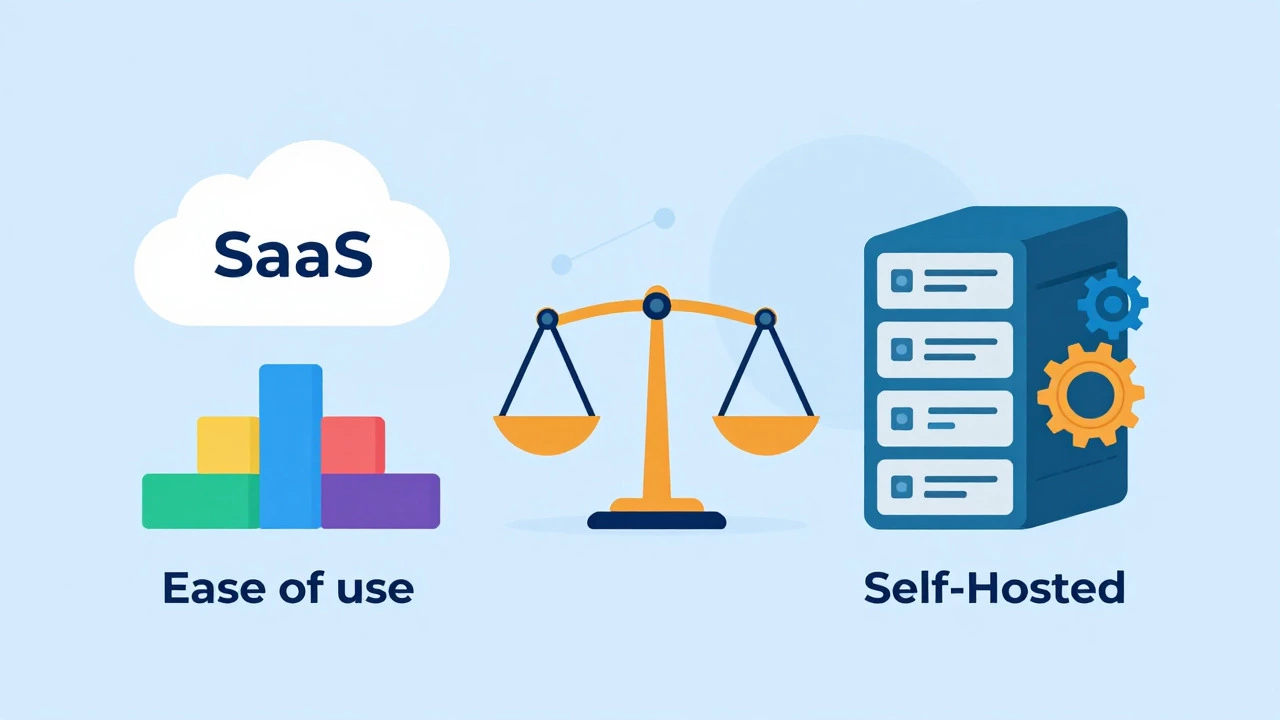
The backbone of any e-learning setup is the Learning Management System, or LMS. This is the platform where your courses live, where students log in, and where progress is tracked. In 2026, the market splits into two main camps: hosted SaaS platforms and self-hosted open-source solutions.
| Platform Type | Examples | Best For | Cost Model |
|---|---|---|---|
| Hosted SaaS Cloud-based platforms managed by a provider | TalentLMS, Thinkific, Teachable | Solo creators, small businesses wanting zero maintenance | Monthly subscription ($39-$300+) |
| Self-Hosted Software installed on your own server | Moodle, WordPress + LearnDash | Institutions, developers needing full control | Hosting fees + plugin costs |
| All-in-One Course Builders Platforms combining marketing and hosting | Kajabi, Podia | Marketers selling high-ticket courses | Higher monthly fee ($100+) |
If you hate technical headaches, go with a hosted SaaS like TalentLMS or Thinkific. They handle security updates, backups, and server crashes. You just pay the bill and create content. If you have a developer on staff or deep pockets for IT support, Moodle offers unlimited customization but requires significant maintenance. For most people starting out, a mid-tier SaaS platform offers the best balance of ease and power.
Structure Your Content for Digital Delivery
Translating a physical lecture into an online format requires a shift in mindset. Attention spans online are shorter, and distractions are everywhere. Break your material into micro-learning chunks. Aim for videos that are 5 to 7 minutes long. Anything longer risks losing the viewer unless it's a highly engaging demonstration.
Use a consistent structure for every lesson. Start with a clear objective, deliver the core content, include an interactive element (like a quiz or reflection question), and end with a summary. This predictability helps learners focus on the material rather than figuring out what comes next. Mix media types too. Don't just record your screen reading slides. Combine short video explanations, downloadable cheat sheets, and audio summaries. Variety keeps the brain engaged and caters to different learning styles.
Select Essential Tools and Integrations
Your LMS is the hub, but it doesn't do everything alone. You'll need a toolkit to support the learning experience. Here are the non-negotiable categories:
- Video Hosting: Avoid uploading videos directly to your LMS if possible; it slows down the site. Use specialized hosts like Vimeo Pro or Wistia. They offer better streaming quality, privacy controls, and analytics on who watched what.
- Communication Channels: Students need a place to ask questions. Built-in forums are okay, but dedicated communities on Discord or Slack often feel more alive. Decide early if you want synchronous (live chat) or asynchronous (forum posts) communication.
- Assessment Tools: Quizzes are critical for retention. Ensure your LMS supports various question types-multiple choice, drag-and-drop, and essay responses. For proctored exams, you may need third-party integrations like ExamSoft or Respondus.
- Payment Gateways: If you're charging for access, integrate Stripe or PayPal seamlessly. Friction at checkout kills conversion rates. Make sure your payment processor supports recurring billing if you offer subscriptions.
Design for User Experience (UX)
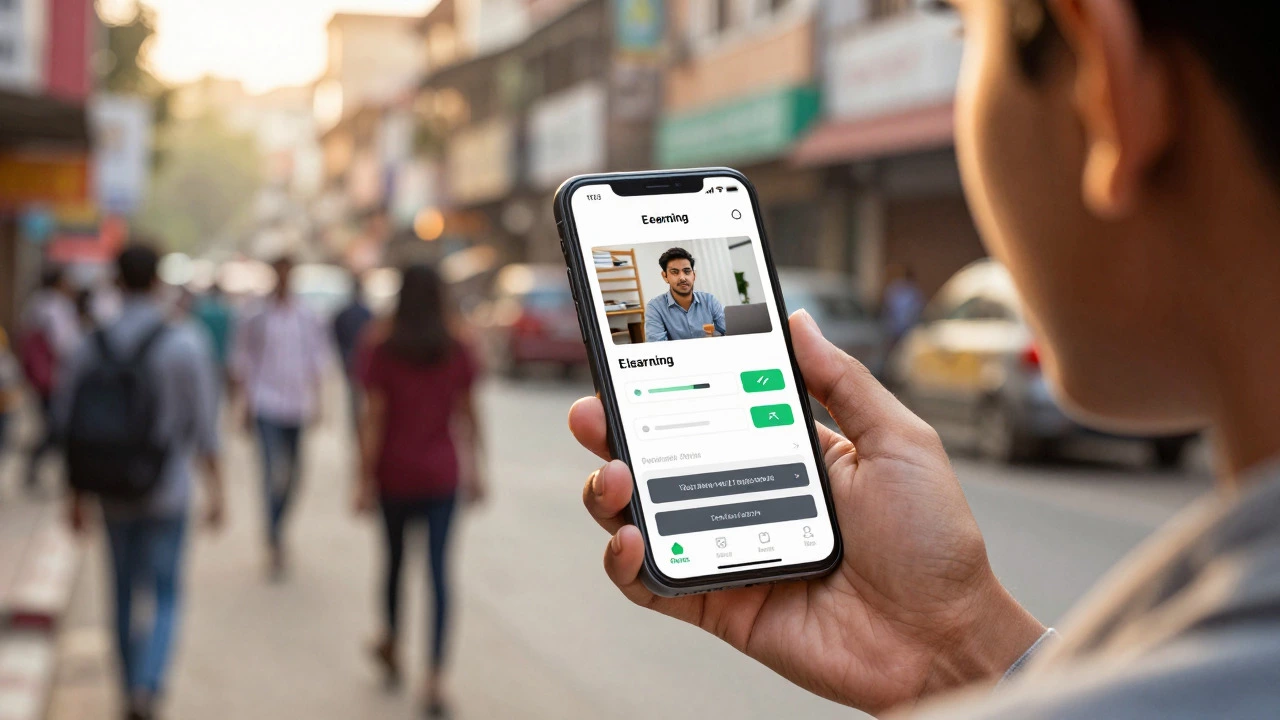
A beautiful course with poor navigation is useless. Users should never have to think hard to find the next lesson. Keep your menu simple. Use breadcrumbs so users know where they are in the curriculum. Mobile responsiveness is not optional anymore. Over 60% of online learning happens on smartphones or tablets. Test your platform on an actual phone, not just a browser simulator. Buttons must be thumb-friendly, and text must be readable without zooming.
Accessibility matters too. Add captions to all videos. Use alt-text for images. Choose color contrasts that meet WCAG (Web Content Accessibility Guidelines) standards. This isn't just legal protection; it opens your course to learners with disabilities, expanding your potential audience significantly.
Launch Strategy and Feedback Loops
Don't launch into the void. Start with a beta group. Invite 10 to 20 trusted users to take the course for free in exchange for honest feedback. Watch them navigate the platform. Where do they get stuck? Which videos do they skip? This data is gold. Fix the friction points before you open the doors to the public.
Once live, establish a feedback loop. Send automated surveys after each module completion. Ask specific questions: "Was the explanation of X clear?" rather than generic "Did you like the course?" Use this data to iterate. E-learning is never "finished." The best platforms evolve based on learner behavior and emerging technologies.
Common Pitfalls to Avoid
Many new e-learning setups fail because of overcomplication. Here are three traps to sidestep:
- Content Hoarding: Trying to put everything you know into one course overwhelms students. Less is more. Focus on mastery of core concepts.
- Ignoring Community: Isolation causes dropout. Build mechanisms for peer interaction. Study groups, discussion boards, or live Q&A sessions create accountability.
- Neglecting Marketing: Building the course is only half the battle. Plan your customer acquisition strategy early. How will people find you? SEO, social media, or partnerships? Don't wait until launch day to figure this out.
Setting up e-learning is a project management challenge as much as an educational one. By defining clear goals, choosing the right tech stack, and prioritizing user experience, you create an environment where learning actually sticks. Start small, test often, and scale with confidence.
How much does it cost to set up an e-learning platform?
The cost varies widely. Hosted SaaS platforms like Thinkific or TalentLMS typically charge between $39 and $300 per month depending on features and student limits. Self-hosted options like Moodle are free to download but require server hosting ($10-$50/month) and potentially developer time for setup and maintenance. Additional costs may include video hosting, email marketing tools, and domain registration.
Do I need to know how to code to create an online course?
No, you do not need coding skills. Most modern LMS platforms use drag-and-drop builders that allow you to upload videos, create quizzes, and design pages visually. However, basic HTML knowledge can help with minor customizations, and CSS skills allow for deeper styling changes if you choose a flexible platform.
What is the best way to keep students engaged in an online course?
Engagement comes from interactivity and community. Break content into short, digestible chunks (micro-learning). Include quizzes, assignments, and discussion prompts. Offer live Q&A sessions or office hours. Gamification elements like badges, certificates, and progress bars also motivate learners to complete modules.
Should I use WordPress or a dedicated LMS?
Use WordPress if you already have a blog and want tight integration with your existing content, or if you need full control over your data and design. Use a dedicated LMS (SaaS) if you want a hassle-free setup, built-in marketing tools, and reliable customer support. Dedicated LMSs are generally faster to launch and easier to maintain for non-technical users.
How do I protect my course content from piracy?
While no method is 100% foolproof, you can reduce risk by using video hosting services with DRM (Digital Rights Management) like Vimeo Plus or Wistia. Disable right-click downloading on your LMS. Watermark videos with the student's name. Consider offering unique value through live interaction and community, which cannot be pirated.