





eLearning Platform Builder Calculator
Find Your Perfect Platform
Your Recommended Platform
Why this platform?
Key features you'll get:
Building an online eLearning platform isn’t about buying expensive software or hiring a team of developers right away. It’s about solving a real problem: helping people learn, anytime, anywhere. If you’ve ever thought about offering courses - whether it’s coding, yoga, accounting, or guitar lessons - you’re already halfway there. The real question isn’t whether you can build it. It’s whether you know eLearning platform tools and steps that actually work for real people, not just tech demos.
Start with what you’re selling
Before you touch a single line of code, ask yourself: who are you teaching, and what do they need? A platform for corporate training looks nothing like one for K-12 students or fitness coaches. The content drives the structure.Let’s say you’re a certified nutritionist. Your students aren’t looking for fancy quizzes or live video chat. They want downloadable meal plans, progress trackers, and simple video lessons they can watch on their phone during lunch. That’s your starting point.
On the other hand, if you’re teaching programming, you’ll need code editors embedded in the browser, automated grading for Python scripts, and discussion boards where students debug each other’s code. These are completely different requirements.
Write down:
- Who your learners are (age, tech comfort, device use)
- What they’re trying to achieve (pass a test, get a job, learn a hobby)
- What format works best for them (video, text, audio, interactive)
This isn’t fluff. This is your blueprint. Skip this, and you’ll waste months building features nobody uses.
Choose your path: no-code, open-source, or custom
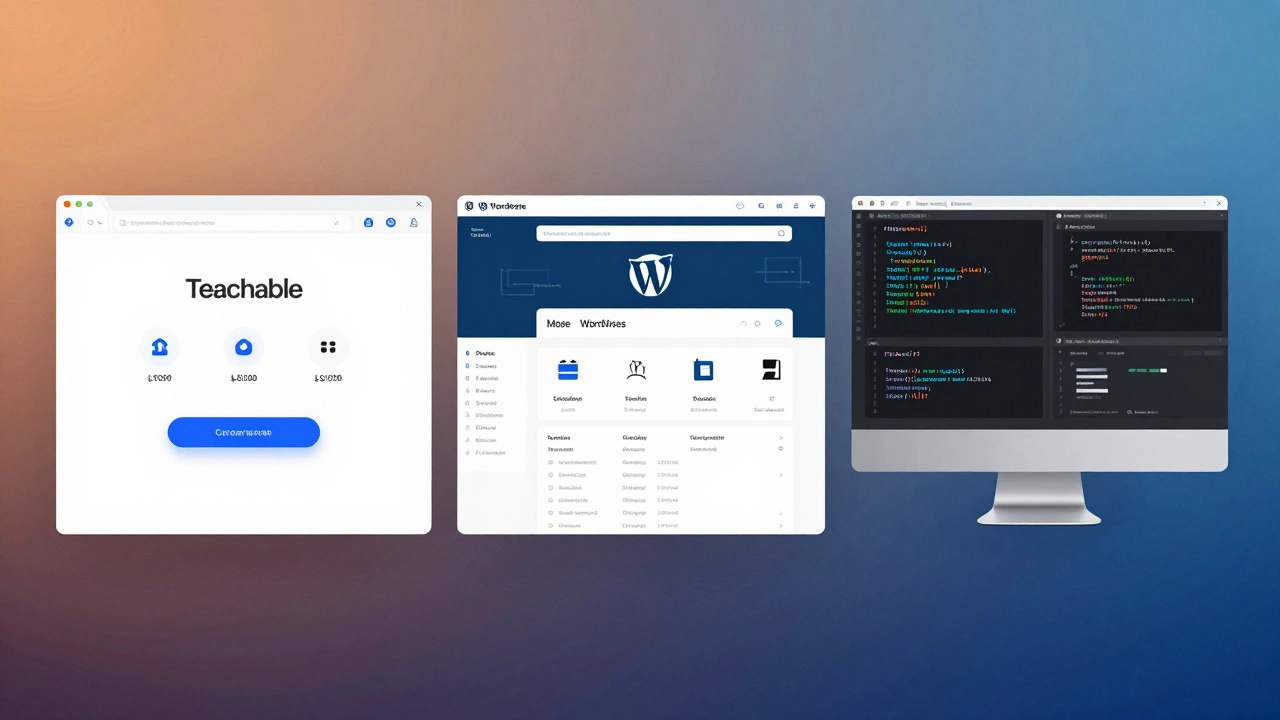
There are three main ways to build an eLearning platform. Each has trade-offs.No-code platforms like Teachable, Thinkific, or Podia let you launch a fully working site in under a day. You upload videos, set prices, and handle payments through their system. They handle hosting, security, and mobile apps. You give up some branding control - your site will have their logo in the footer - but you save 200+ hours of development time. These are perfect for solopreneurs and small coaches. In 2025, Teachable processed over $1.2 billion in course sales.
Open-source platforms like Moodle or LearnDash (for WordPress) give you full control. You install them on your own server. You can customize every button, add plugins for certificates or live classes, and own all your data. But you need to handle updates, backups, and security yourself. If you’re comfortable with WordPress or have a developer friend, this is a strong middle ground. Moodle powers over 100 million learners worldwide - including universities and Fortune 500 companies.
Custom-built platforms are for teams with budgets over $50,000 and long-term scaling goals. You hire developers to build everything from scratch using frameworks like Django, React, or Laravel. This gives you total freedom but also total responsibility. Most startups don’t need this. Only choose this if you’re planning to sell the platform later or need features no other tool supports - like real-time collaborative whiteboards or AI-driven learning paths.
Essential features you can’t skip
Even the simplest eLearning platform needs these five things:- Course player - A clean interface to watch videos, read text, and track progress. No clutter. No pop-ups.
- User accounts - People need to log in, see their courses, and pick up where they left off.
- Payment system - Stripe or PayPal integration. No exceptions. If you’re asking for money, you need secure, reliable payments.
- Progress tracking - Show learners how much they’ve completed. Give them badges or certificates when they finish. It motivates.
- Mobile access - Over 70% of learners use phones or tablets. If your platform doesn’t work on a 5-inch screen, you’re losing most of your audience.
Don’t add quizzes, forums, or live streaming on day one. Add them only after you’ve confirmed people are actually finishing your courses. Most platforms fail because they overload the user before proving value.
Content is your engine, not your decoration
You can have the most beautiful platform in the world - but if your lessons are boring, slow, or poorly recorded, no one will stay.Top-performing courses follow three rules:
- Each video is under 8 minutes long
- Every lesson ends with one clear action ("Do this now")
- There’s no fluff. No long intros. No "as you can see here"
Record your videos on a phone. Use natural lighting. Speak like you’re talking to one person, not a crowd. Edit out pauses and "ums" with free tools like CapCut or DaVinci Resolve. Upload a 5-minute lesson, test it with five friends, and ask: "Would you pay $10 for this?" If they hesitate, rewrite it.
Most creators spend 80% of their time on design and 20% on content. That’s backwards. Fix your content first. Then polish the platform.

Launch small, test fast, scale smart
Don’t wait for perfection. Launch with one course. Invite 20 people. Charge $10. See what happens.Track these numbers:
- How many start the course?
- How many finish it?
- How many ask for a refund?
- How many tell a friend?
If 15 out of 20 finish, you’ve got a winner. If only 5 finish, go back to your content. Don’t change the platform - change the lessons.
After your first 100 students, you’ll know exactly what works. That’s when you add more courses, build a waitlist, or start running ads. Scaling too early kills more platforms than lack of features ever could.
Keep it simple, keep it going
The biggest mistake people make? Thinking they need to build the next Udemy. You don’t. You need to build the next useful course for one specific group of people.One teacher in Ohio built a platform for parents teaching math to kids with dyslexia. She used Teachable. Recorded videos on her iPad. Charged $27. Had 1,200 students in 8 months. No ads. No fancy tech. Just real help.
Your platform doesn’t need AI tutors or VR classrooms. It needs to solve a real problem for real people. Start there. Build slow. Listen to feedback. Improve.
That’s how you create an eLearning platform that lasts.